

Some of you may know that I joined Sourcegraph a few weeks ago. We make Amp, an AI coding agent for software developers. I joined Sourcegraph because I tried Amp and my immediate reaction was: “Well, this is the best coding agent I’ve used yet.”
And I’ve used them all.
Recently put together the below content which is a reflection on how I’ve been using Amp over the past few weeks. It’s an attempt to distill into a workflow that you can apply to your software projects. It’s not the only way to use a coding agent, but it’s one way.
One interesting fact about the way I put this together: Amp let’s you share threads of work across different sessions. So I collected all the threads I had for a specific project and opened them in a browser tab. I then had Perplexity Comet summarize and distill my implicit workflow based on my actual work. There’s a lot of intelligence to be had from gathering the actual work people are doing and how they’re using these tools.
The idea here is that whether you’re just getting started, or have experience, this workflow may spark some ideas and help you on your way. Enjoy!
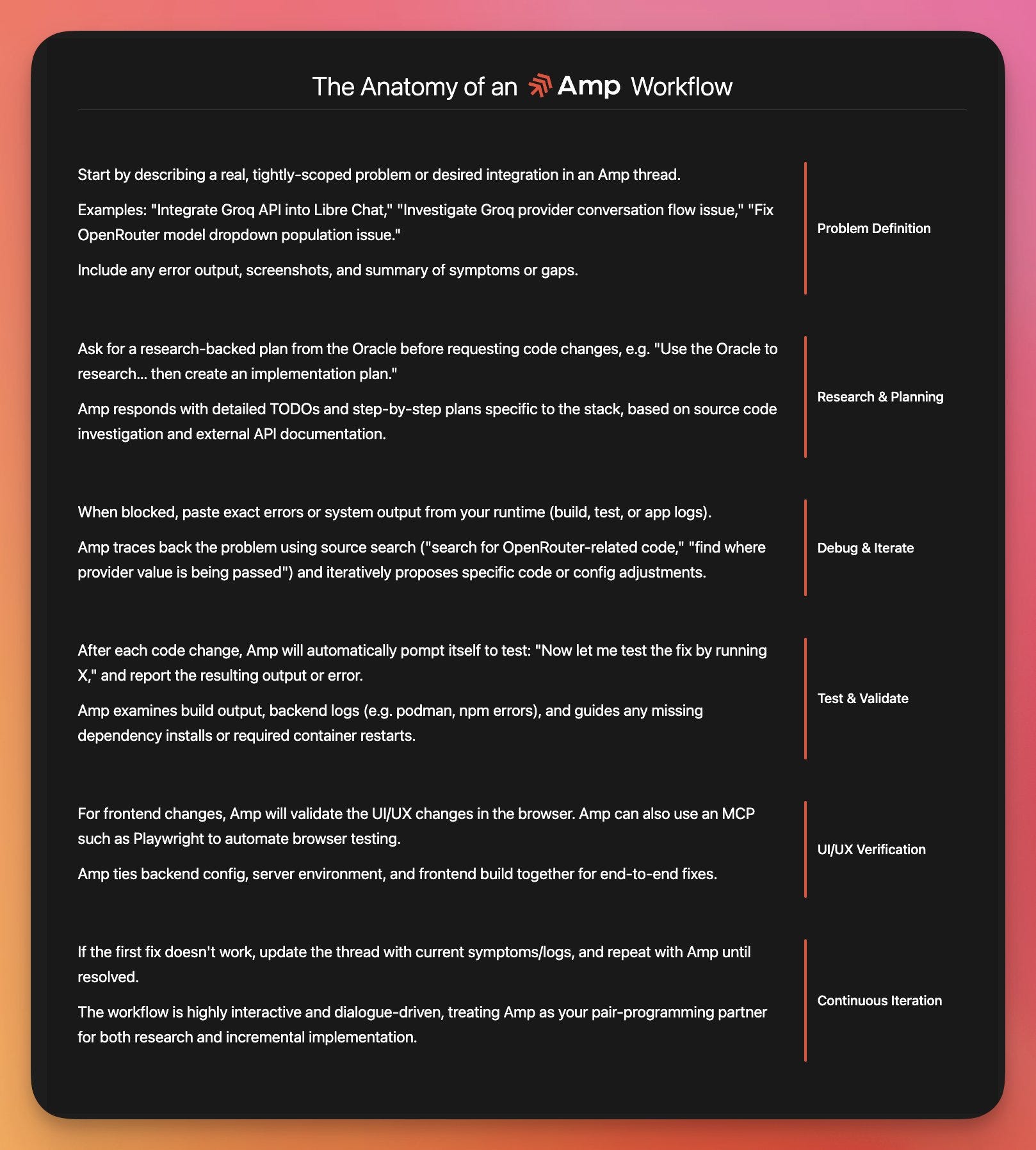
Core Principles
Tightly-scoped problems: Focus on specific, actionable issues rather than broad requirements
Research-first approach: For comprehensive changes, always start with investigation and planning before implementation
Error-driven debugging: Use actual logs and outputs to guide problem-solving
End-to-end validation: Verify fixes work from backend to frontend
Incremental iteration: Test after each change and adjust based on results
Example Thread Starters
✅ Good: “Integrate Groq API into Libre Chat - getting 401 errors on authentication”
✅ Good: “OpenRouter model dropdown not populating - see attached screenshot”
❌ Avoid: “Make the app better” or “Add AI features”
❌ Avoid: “Fix all the bugs” or “Optimize performance”
Success Indicators
Specific problem described with context
Research plan requested and received
Errors/logs shared for debugging
Each fix tested and validated
UI changes verified in browser
Iterative improvement cycle maintained